Why I Built an AI Gateway: Model Routing, Cost, and Rate Limits for Indie Developers
A lot of projects call the model API directly from business code during validation — one fetch to OpenAI and done. It’s fast in the short term. But the moment you ship, a few problems keep coming back: keys scattered across services, logs that can’t tell you which call cost how much, and rate limits and cost control that can’t be enforced anywhere.
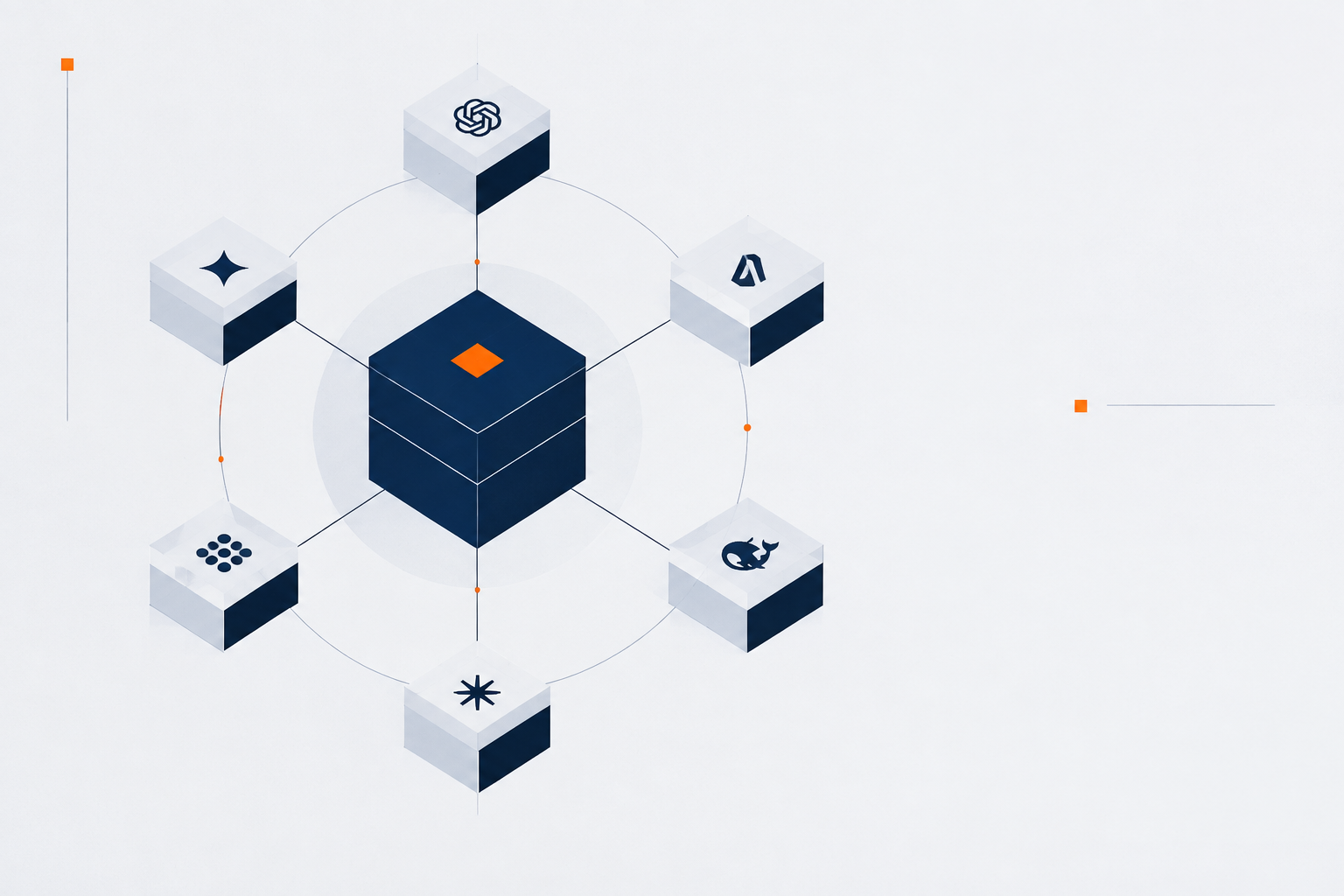
I didn’t build a gateway to add a layer of architecture for its own sake. I built it to pull three things — model access, cost, and stability — into one place. For an indie developer building a long-term product, a gateway is the smallest engineering unit. Not showing off.
This post is about the five capabilities a production gateway needs, and the real traps behind each.
Capability 1: unified multi-model access, OpenAI-compatible as the baseline
The first job of a gateway is letting business code call every model through one interface.
The core is “OpenAI-compatible”: your code writes against the OpenAI SDK, and the gateway routes it to any model underneath, with zero refactor on the business side. Why must it be OpenAI-compatible rather than a custom protocol? Because of the ecosystem. Most SDKs, tools, and agent frameworks (including my own agent) speak the OpenAI format. Invent a custom protocol and you’re asking every downstream to bend to you — nobody will.
The trap in the access layer is parameter differences across models: temperature, max_tokens, stop don’t mean exactly the same thing everywhere, and some models don’t support a given parameter at all. The gateway has to normalize parameters here — map the standard OpenAI parameters to each model’s actual ones, silently dropping or converting the unsupported ones. Get this wrong and downstream calls fail in ways that make no sense.
Capability 2: multi-model routing and automatic failover
A single model hangs, gets rate-limited, or suddenly slows down. Part of the gateway’s value is pulling “which model to use” out of the business code.
Routing usually has three tiers:
- Explicit: the call names a model directly — simplest.
- Rule-based: pick a model by task type, cost, or latency — small model for simple jobs, big model for hard ones.
- Failover: when the primary model times out or errors, switch to a backup transparently.
Failover has an easy-to-miss point: not every failure should fail over. A model’s “refusal” or “blocked by safety policy” is a business result, not a reason to switch. Only infrastructure failures — timeout, 5xx, rate-limit — should trigger failover. Separate these two, or you’ll mistake “the model refused” for “the model is down” and burn an extra paid call for nothing.
Capability 3: key and quota management, clear permission boundaries
Keys scattered across services are the most common security debt. The gateway’s job is to pull “who can call, how much, at what cost” into key management.
A key binds at least three things:
- Identity: who owns this key, which service, which team
- Quota: how many calls, how much money, how long it’s valid
- Permission: which models it can reach, whether it can hit expensive ones
The trap in quota management is that limits are “soft”. You can’t just build a hard gate that blocks when over — you also need a soft warning when approaching the limit. Otherwise the user suddenly finds all calls cut off one month, and debugging that is more painful than the overspend itself. In the gateway I run (apistation.cn), per-key quota, rate-limit, and billing are three separate things, each on its own dimension.
Capability 4: request logs and error tracing, the first scene of debugging
When a model call goes wrong, the most hopeless feeling is “I don’t know which call, how much it cost, or what it returned”. The gateway must record every call: request params, model, latency, token usage, cost, error code.
The value of logs isn’t “recording”, it’s “queryable”. Two retrieval paths are mandatory:
- By key / user: what this key called recently, how much it spent, any anomaly
- By request: the full input/output of one call, with latency breakdown
One lesson here: log the raw error, don’t swallow it at the entrance. The model service’s error message often holds the key clue (like “quota exhausted” or “invalid parameter”). If the gateway “sanitizes” the error into a generic “call failed” at the door, you’ve thrown the clue away.
Capability 5: billing and cost view, the first gate on cost control
The biggest hidden cost risk of AI apps is runaway cost — a loop-calling bug can burn hundreds overnight. The gateway needs a cost view: this key, this service, this model — how much today, how much this month.
Cost view and quota management work together: quota is the before gate, cost view is the after ledger. Together they both prevent “sudden burn” and let you locate “where the money went” afterward.
One key design: billing must distinguish reasonable from abnormal spend. Normal growth and a loop-calling bug both raise cost, but they’re handled completely differently — the former gets a budget bump, the latter gets a bug fix. If the cost view is just one number, you can’t tell them apart; you only see “money is rising” and don’t know what to do.
flowchart TB
  A[Business code<br/>OpenAI SDK] --> B[Unified access layer<br/>param normalization]
  B --> C{Multi-model routing}
  C -->|explicit / rule| D[Target model]
  C -->|failover| E[Backup model]
  D --> F[Logs · Cost · Quota]
  E --> F
Summary
A gateway isn’t an “impressive” architecture. It’s the smallest engineering unit that pulls model access, cost, and stability into one place for a long-term product.
The five capabilities answer five questions:
- Unified access — how to call every model with one codebase (OpenAI-compatible)
- Routing & failover — what to do when a model goes down (fail over only infrastructure errors)
- Key & quota — who can call, how much (a soft and a hard gate)
- Logs & tracing — where to look when something breaks (don’t swallow raw errors)
- Billing & cost — where the money went (separate reasonable from abnormal)
If you’re building a long-term product rather than a throwaway demo, a gateway is nearly mandatory — it saves you rework after rework when you later add models, control cost, and operate the thing.
Further reading
A gateway pulls model access and cost into one place. For shipping a product end-to-end as one person, see OPC software practice; for running a coding agent with vertical Skills and spec/TDD, see Loop Engineering.
Comments